Plex, reframed · Android 4.0.8 · Windows 1.1.0

Your library.
Every screen.

Minova Cinema brings one focused, private Plex experience to your phone, tablet, television, and Windows PC—with controls designed for the screen in front of you.

No Minova accountDirect Plex connectionOpen source
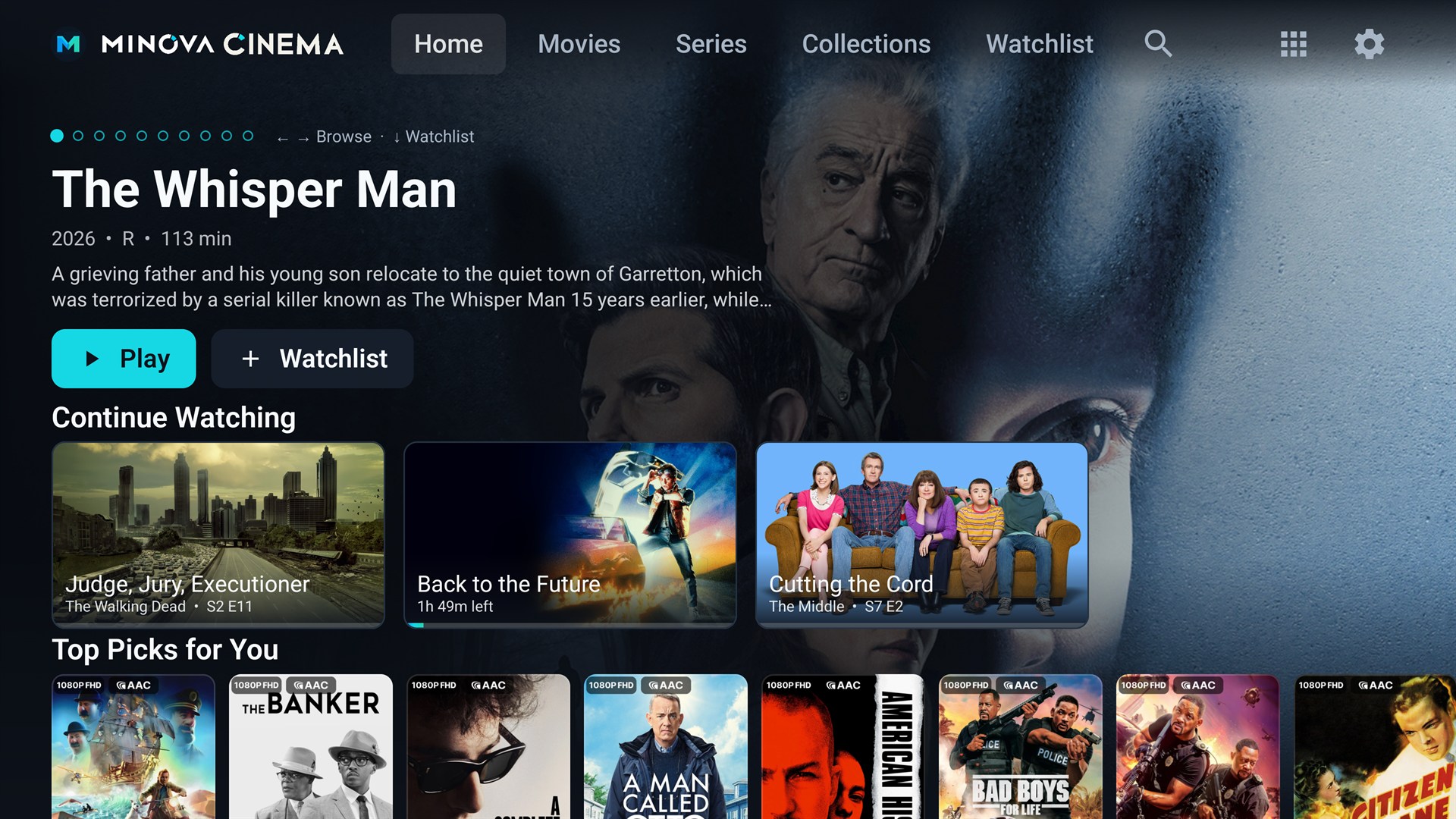
Live Minova Cinema Android TV home screen connected to Plex
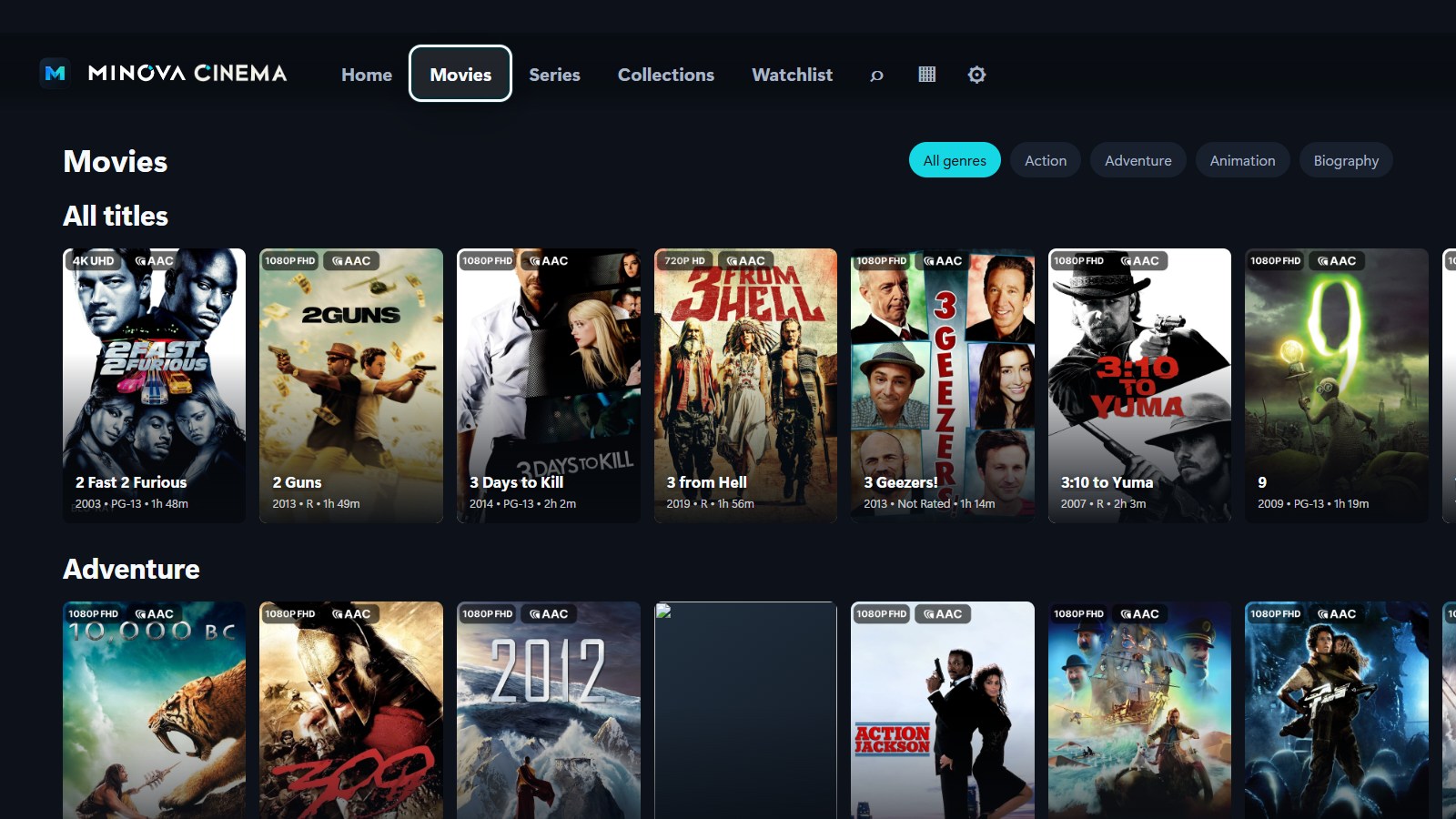
Live Minova Cinema Windows movie library connected to Plex
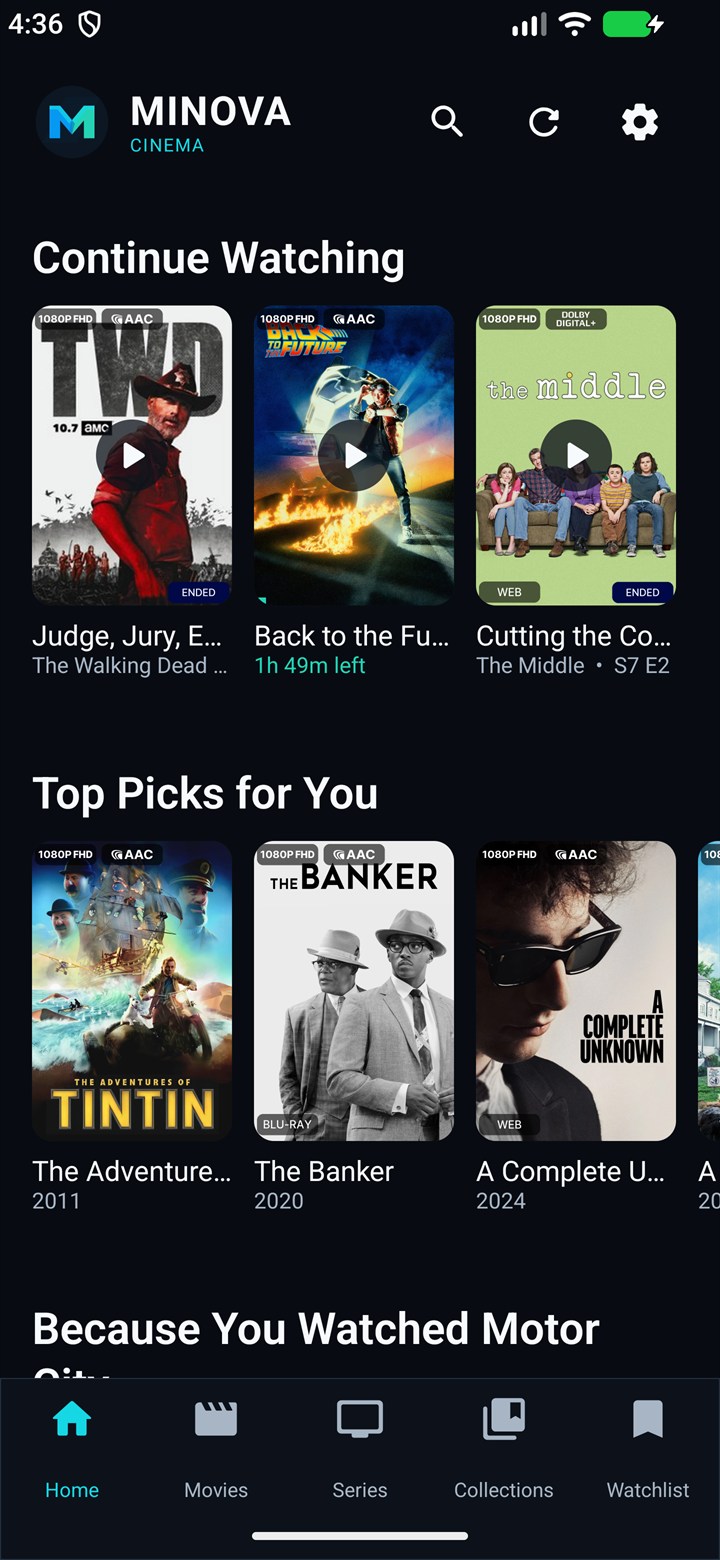
Live Minova Cinema phone home screen connected to Plex
See the experience

What is
Minova Cinema?

Minova Cinema is an independent Plex client for the movies and shows on your own Plex Media Server. It gives Android phones, tablets, Android TV, Google TV, and Windows PCs one consistent, private viewing experience—without a Minova account.

Android phoneAndroid tabletAndroid TVGoogle TVWindows 10Windows 11

01 / PHONE & TABLET

Streaming controls
within thumb’s reach.

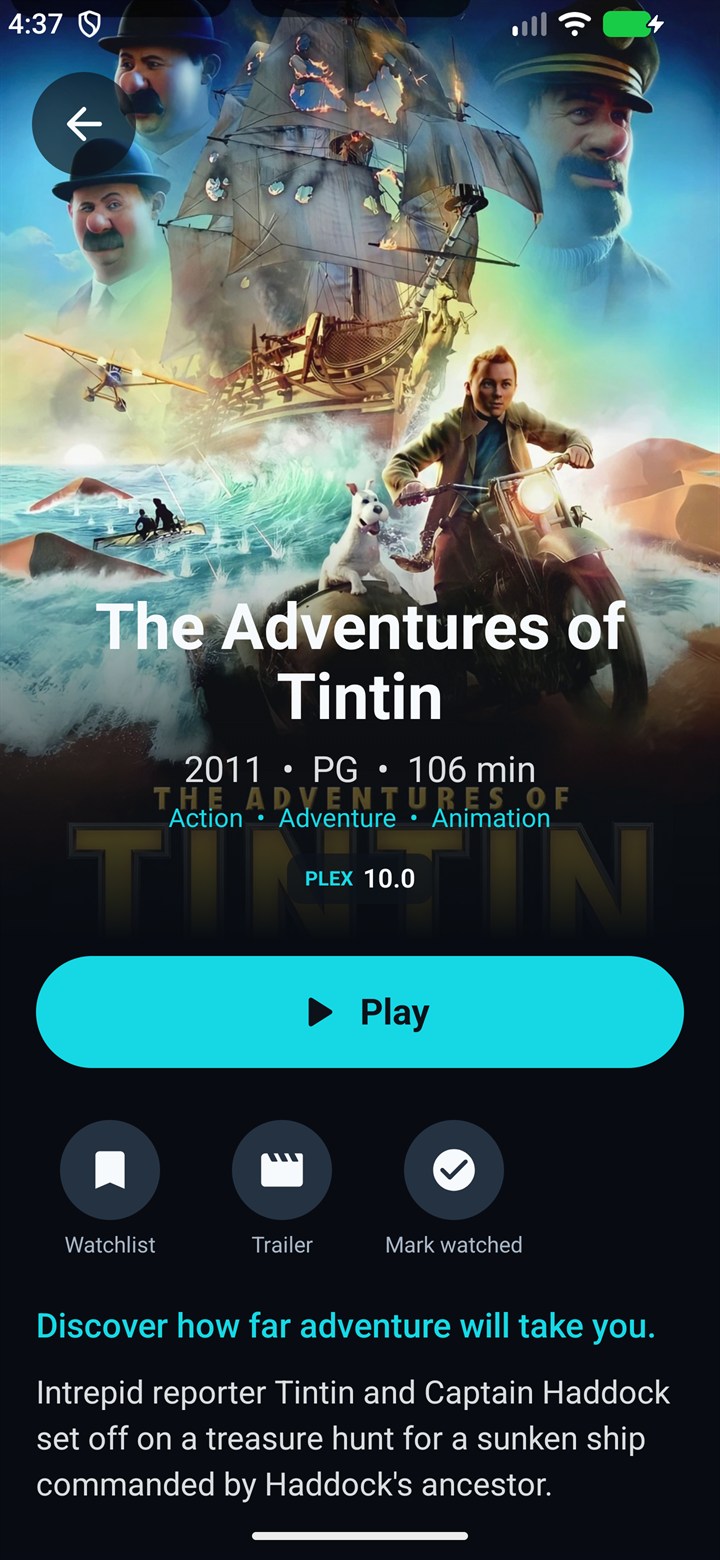
Portrait browsing, compact shelves, bottom navigation, software-keyboard search, and full-bleed details make the Android app feel at home on a phone. Playback turns landscape only when the video starts.

  • Touch-sized actions and bottom navigation
  • Watched checks, diverse recommendations, collections, and Watchlist
  • Icon transport controls, A/V resync, and a right-side subtitle language menu
Download Android →
Live Minova Cinema phone title details from Plex
Live Minova Cinema phone home screen connected to Plex
Live Minova Cinema Android TV home screen connected to Plex

02 / ANDROID TV

The big-screen
original.

The existing ten-foot interface stays built around deterministic D-pad focus, cinematic browsing, direct playback, and optional room lighting.

  • Remote-first rows, grids, search, seasons, episodes, and cast profiles
  • Advanced audio, subtitle, quality, and post-seek synchronization controls
  • Optional Cinema Mode with compatible Tapo lights
Use the same Android APK →

03 / WINDOWS

Your collection,
at desk distance.

The Windows edition adapts Minova for mouse, keyboard, controller, and fullscreen viewing. Video is rendered through the bundled native libmpv host, not a browser video element.

  • Windows-encrypted Plex token
  • Direct Play with automatic Plex HLS fallback
  • Actor profiles, episodic autoplay, native tracks, and automatic updates
Download for Windows →
Live Minova Cinema Windows Movies view connected to Plex

Everything between
browse and credits.

Minova is organized around the media you already own and the Plex server you already run.

SYNC

Pick up anywhere.

Continue Watching, progress, watched state, and Watchlist changes synchronize through Plex.

PLAYBACK

Original quality first.

Minova asks for Direct Play and lets Plex convert incompatible media when the device needs help.

LIBRARY

Your shelves, not a storefront.

Movies, series, collections, genres, search, seasons, episodes, cast, and personal recommendations.

CONTROL

The right input model.

Touch on mobile, D-pad on TV, and mouse, keyboard, or controller on Windows.

TRACKS

Audio and subtitles.

Choose available languages during playback, with focused mobile controls and advanced TV options.

PRIVACY

No Minova cloud required.

Your configured server and token stay on your device. Minova has no advertising or analytics layer.

Dim the room.
Press play.

A quick look at the Minova Cinema experience on the big screen.

Choose your
screen.

Both downloads come directly from the official Minova GitHub releases. Connect the app to your own Plex server after installation.

Before the
opening frame.

Is Minova Cinema made by Plex?

No. Minova Cinema is an independent client that connects to Plex Media Server. Plex is a trademark of Plex, Inc.

Is the Android download the same for phones and TVs?

Yes. The signed APK detects the device and presents the touch-first phone/tablet interface or the remote-first television interface.

What does the Windows installer include?

It includes the desktop interface, Electron runtime, a native Windows libmpv playback host, and the required media runtime. It supports 64-bit Windows 10 and 11.

Does every file Direct Play?

Direct Play depends on the codecs and tracks supported by the device. Minova can request Plex conversion when the original source is incompatible.

Where do I find my Plex token?

Follow the step-by-step Plex guide →. Treat the token like a password and never post it publicly.

Your server. Your screens.

Make your library
feel like home.